 Author:


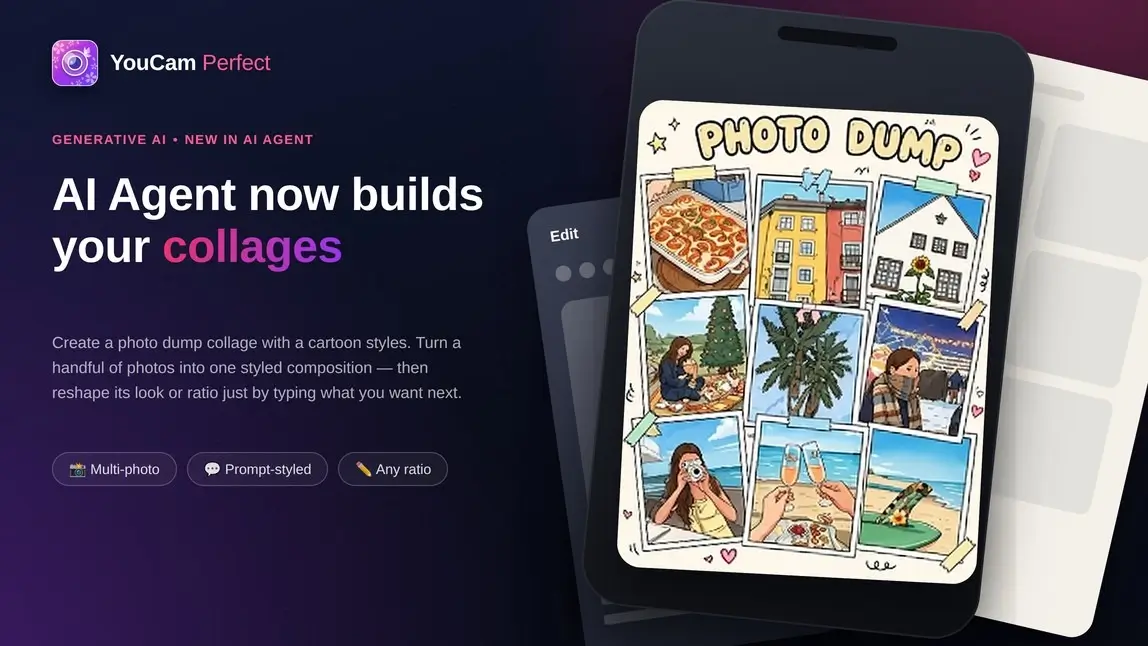
Combining a batch of photos into one clean collage has always meant the same detour: pick a template, drag photos into slots, nudge borders, apply a filter, hope the ratio matches whatever platform you're posting to. If the result doesn't land, you start the layout over from scratch.
AI Agent in YouCam Perfect skips the detour. It's the same conversational assistant already inside the app for editing photos and videos — upload a picture, describe what you want changed, get a result — and it now does the same thing for a group of photos: hand it several images, tell it the vibe, and it builds one cohesive composition automatically. Want it to look different, or fit a different shape? Say so in the same chat. No re-uploading, no new template.
Key takeaways

Best AI Photo Editor
The Best AI Photo Editor & Selfie Camera.
Remove objects, apply filters & more.
- Combine photos into one composition — AI Agent turns a batch of photos into a single collage or "photo dump" automatically, no manual slot-dragging.
- Describe the aesthetic you want — a prompt like "Create a 2025 photo dump with a minimalist aesthetic" is enough to set the mood.
- Restyle without starting over — ask for a different look in a follow-up message and AI Agent regenerates the composition.
- Adjust the ratio by asking — request the shape your post needs instead of hunting for a matching template.
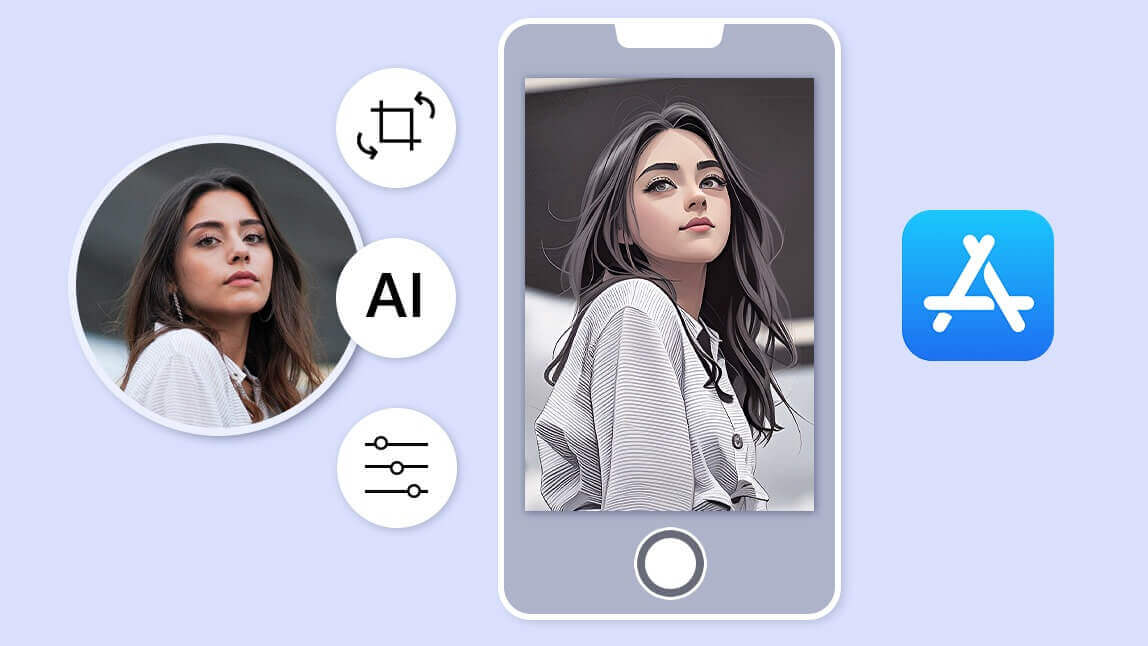
- Same AI Agent you already know — the tool behind portrait retouches, scene edits, and prompt-based photo/video generation now handles multi-photo layouts too.
- One conversation, start to finish — every adjustment happens inline, without leaving the chat.
What can AI Agent do?
Collage creation is just one part of what AI Agent can do. From creating images from scratch to editing photos and videos, AI Agent brings multiple creative tools into one conversational workflow.
-
Analyze images — Upload an image and ask AI Agent to analyze it and answer your questions. Get insights, interpretations, or explanations based on what’s shown in the image. Great for tarot cards, visual references, and more. eg. “Analyze these tarot cards and give me a reading about my love life.”

-
Generate images — Create new images from a simple text prompt. Describe the scene, concept, or style you want, and AI Agent brings it to life. eg. “Create a Chucky image for Halloween."

-
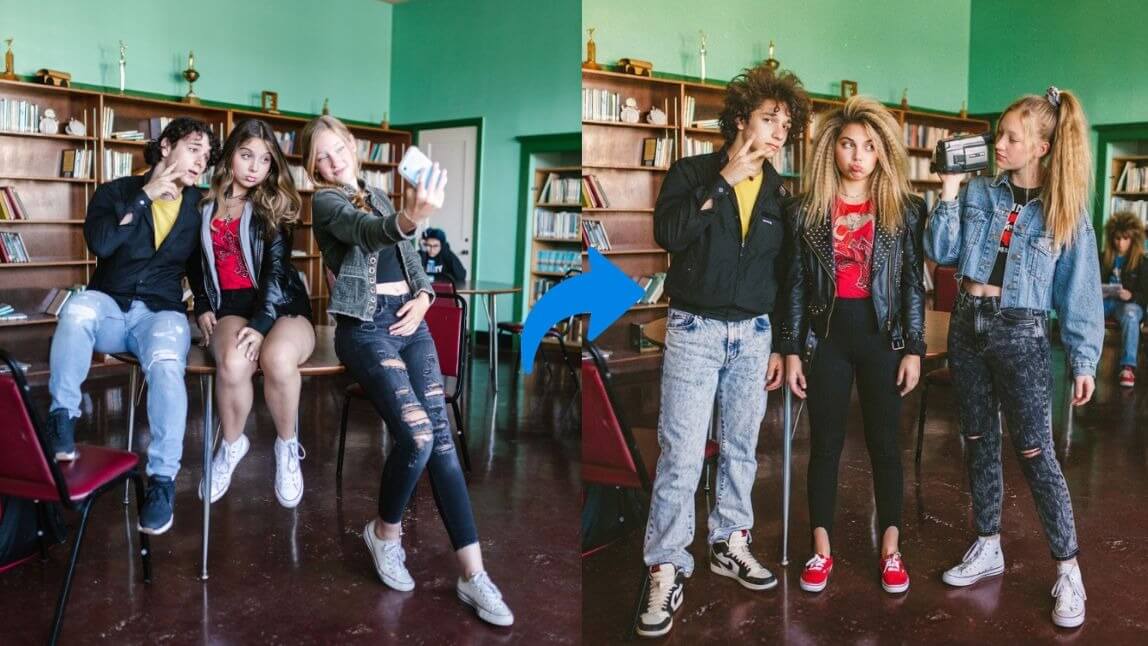
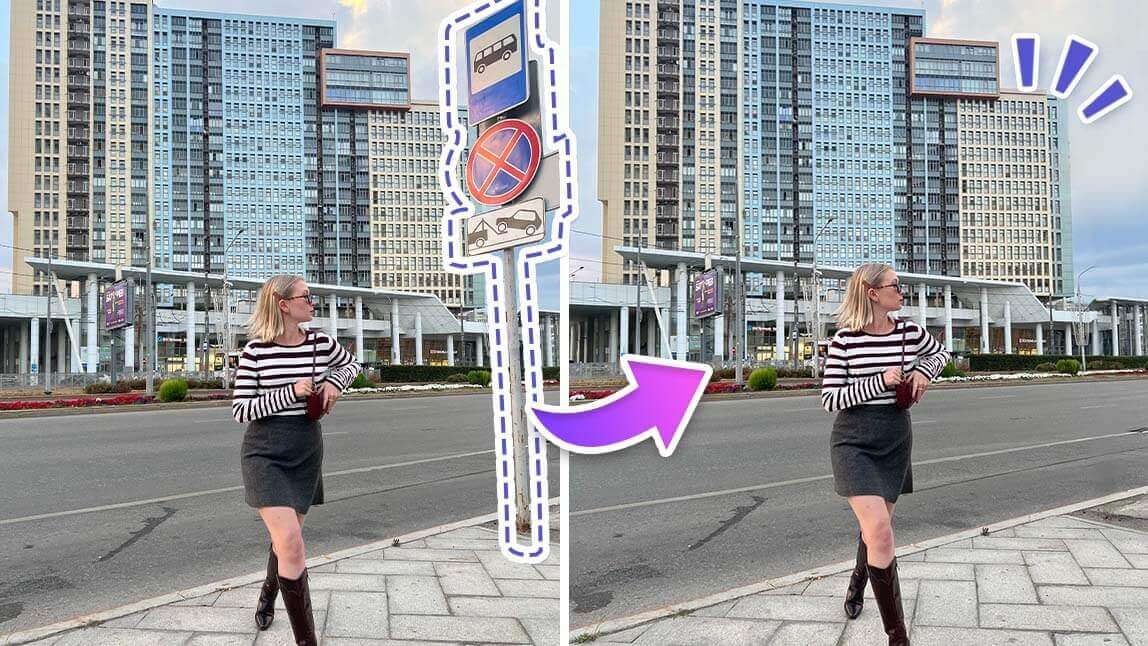
Edit images — Make changes to existing photos by simply describing what you want. Add or remove objects, change backgrounds, retouch details, or transform the overall look. eg. “Remove the people in the background and make the photo look like it was taken at golden hour.”
-
Generate or edit videos — Turn an idea into an AI-generated video with a prompt, without starting from existing footage. eg. “Create a cinematic video of a city at night with neon lights and light rain.”
-
(NEW) Make a collage — Combine multiple photos into one cohesive composition. Describe the mood or aesthetic you want, then refine the style or aspect ratio through follow-up messages. eg. “Create a photo dump with a cartoon style.”

How AI Agent Works
1. Open YouCam Perfect and tap AI Agent from the home screen.
Best AI Photo Editor
The Best AI Photo Editor & Selfie Camera.
Remove objects, apply filters & more.
2. Upload the photos you want combined — AI Agent accepts multiple images in one message.

4. Save the result once it looks the way you want it.

Why try it before you build a collage the old way
- Fewer apps, fewer steps. The photos, the layout, and the styling all happen in one conversation — no exporting into a separate collage maker.
- Style is a sentence, not a settings menu. Instead of scrolling through template categories, you describe the look you want.
- Mistakes are cheap. If the first version misses the mark, correcting course is another message, not a redo from the photo picker.
Try AI Agent Now
Until now, getting several photos into one graphic meant leaving your editing flow for a separate collage tool with its own templates. AI Agent folds that step into the same chat you're already using — "Combine photos into one composition naturally" appears as a one-tap suggestion the moment you open it, right alongside prompts for background removal and video generation. It's a sign this isn't a bolted-on extra; it's part of the same assistant, treated the same way as everything else it can do.
If you've got a phone full of photos from a trip, an event, or just the last few months, AI Agent will turn them into one polished collage without you touching a template.
Best AI Photo Editor
The Best AI Photo Editor & Selfie Camera.
Remove objects, apply filters & more.