Remove Blemish from Photo for Free

Get clearer, smoother skin in your photos. Remove blemishes, acne marks and uneven spots with AI skin smoothing, and keep your natural skin texture so you still look like you.

Try the skin smoother in YouCam Makeup:

YouCam Makeup
YouCam Makeup

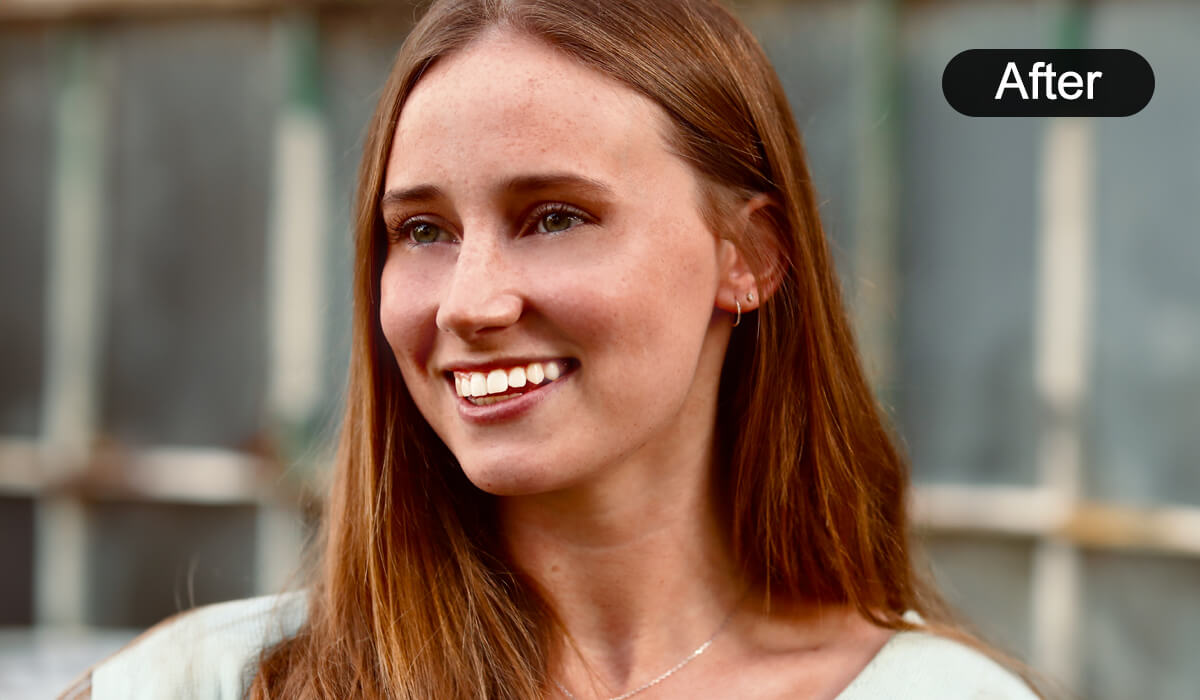
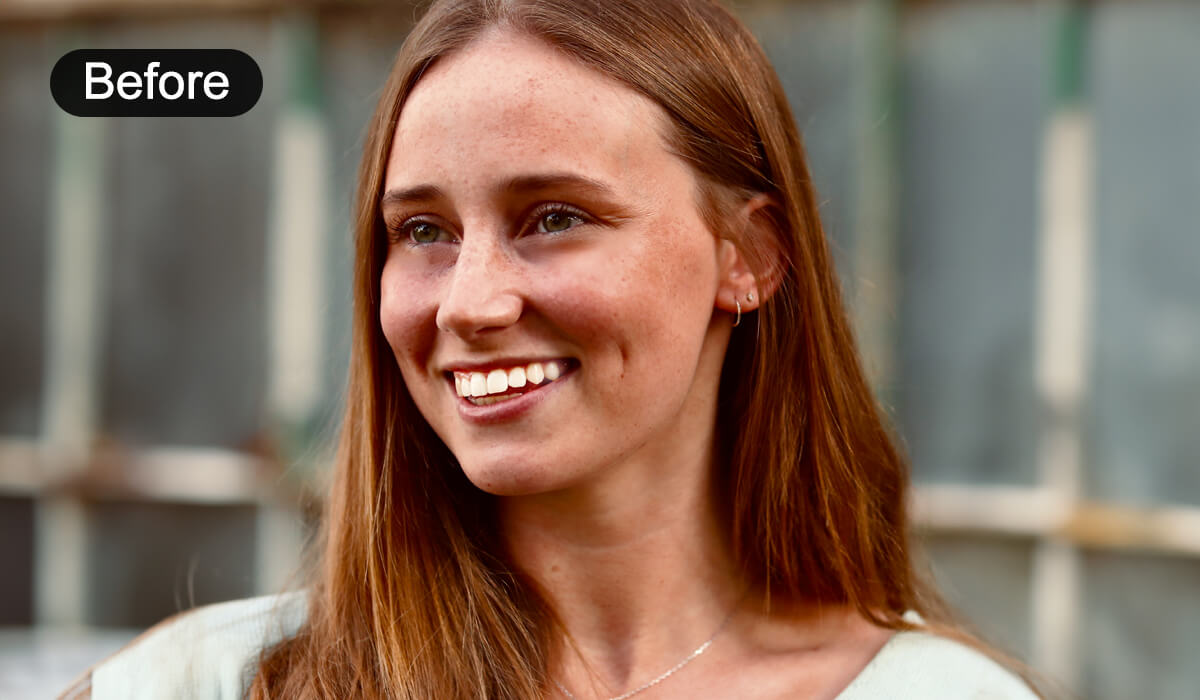
Remove Blemish From Photos with AI

With YouCam Makeup's AI skin smoothing tool, achieving flawless skin in photos has never been easier. Whether it's blemishes, freckles, or fine lines, the skin smoothing app can retouch and smooth your skin instantly while keeping the results natural.


Remove Blemish From Photos with AIRemove Blemish From Photos with AI

More Than Just Skin Smoothing App

YouCam Makeup is more than just a blemish remover app. The face editor goes beyond simple touch-ups. With one-click beautification and manual tools, you can effortlessly refine any facial feature for stunning results!

More Than Just Skin Smoothing AppMore Than Just Skin Smoothing App

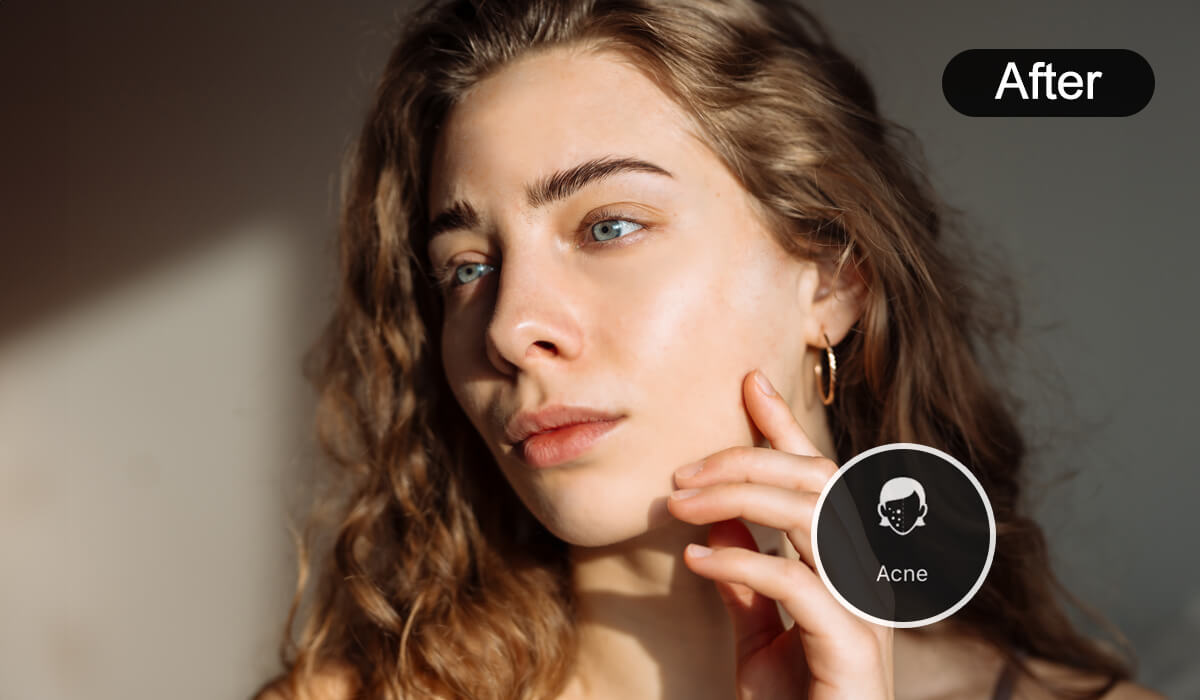
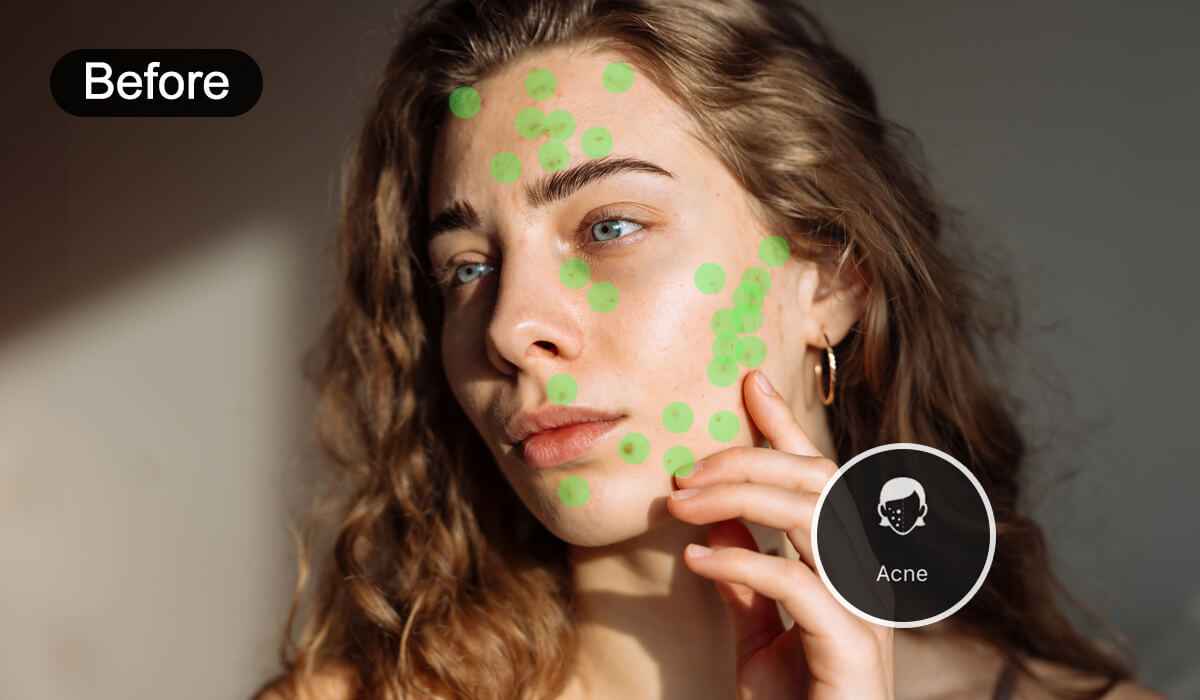
Remove Acne From Photos With AI

Want to remove acne from your face easily in pictures? YouCam Makeup’s AI skin smoother helps you edit acne out of photos in just a few taps.

Remove Acne From Photos With AIRemove Acne From Photos With AI

Blemish Photo Editor for Group Photos

Removing blemishes in group photos is as easy as 1,2,3 with YouCam Makeup! Smooth each person’s skin one at a time and help your friends get flawless skin.

How to Remove Blemish From Photo

  1. Import Your Image
    Open the YouCam Makeup app, tap Photo Edit and import the photo you want to smooth. Tip: soft, even light shows blemishes clearly so they are easier to fix.
  2. Open the Face Blemish Remover
    Find the Smoother tool under the Retouch category. It detects blemishes and uneven areas for you. Tip: for a single spot, zoom in and tap it instead of smoothing the whole face.
  3. Customize Skin Smoothing Intensity
    Use the slider to choose how smooth you want your skin. Tip: stop while you can still see pores and fine texture, because over-smoothed skin looks plastic.

Try Skin Smoothing in YouCam Makeup

With YouCam Makeup, you can effortlessly remove blemishes from photo! Download the app today and perfect your portraits in seconds!

YouCam Makeup: Best AI Selfie Editor

YouCam Makeup is your go-to AI selfie app, featuring powerful retouch tools like skin smoother and one-tap makeup features to keep you looking fresh, flawless, and photo-ready in every shot!

Skin Smoother App FAQs

How do you get rid of face blemishes in pictures?

accordion icon

Open YouCam Makeup, tap Photo Edit, import your photo and use the Skin Smoother tool to retouch blemishes, fine lines and other imperfections. Adjust the strength so your skin keeps its natural texture.

What free app removes blemishes?

accordion icon

YouCam Makeup is a free app that can remove blemishes from your photos. Its AI-powered face retouch tools and Skin Smoother tool help you clean up spots in a few taps.

How to remove spots from a photo?

accordion icon

Use YouCam Makeup to remove spots from a photo effortlessly. Simply upload your picture, apply the “Skin Smoother tool”, and watch as spots disappear for smooth, flawless skin.

What is the app that smooths your skin?

accordion icon

YouCam Makeup is an app that smooths skin with AI-powered retouch tools. Use the Skin Smoother tool to even out your skin while keeping a natural look.

How to smooth out skin on a photo?

accordion icon

With YouCam Makeup, you can smooth out skin on a photo in seconds. Use tools like Skin Smoother and blemish removal for a natural, polished look.

What is the app that smooths out photos?

accordion icon

YouCam Makeup is an excellent app for smoothing out photos, offering various face retouch tools like the “Skin Smoother ” and “Eye Bag Remover ” for seamless edits.

What app makes your face look flawless?

accordion icon

YouCam Makeup focuses on AI face retouch and beauty tools. Smooth skin and remove blemishes, then keep the edit light so your face still looks like you.

How do I remove a pimple from a photo without blurring my skin?

accordion icon

Zoom in, tap the blemish to fix only that spot, and keep the overall smoothing low. This keeps pores and texture around the spot so the fix does not stand out.

Can I remove acne scars and dark marks in a picture?

accordion icon

You can soften the look of acne scars and uneven tone in a photo with the Smoother tool. It is a photo edit only and does not change your real skin.

Why does my skin look fake after smoothing?

accordion icon

The intensity is usually too high. Lower the slider until you can see natural texture again, and avoid smoothing areas that have no blemishes.

Can I clear blemishes in a group photo?

accordion icon

Yes. Open the group photo and smooth one person at a time so every edit looks natural. Edit only the people who want their photo retouched.

Other Features

Face Editor

Transform your look in seconds with an AI face editor that edits your photos automatically and flawlessly—just a few taps, and you’re selfie-ready!

Makeup & Beauty Filters

Give your portraits a glow-up with a free makeup photo editor! Add trendy styles and flawless beauty filters for a natural, head-turning makeover.

Body Editor

Effortlessly enhance curves, slim down, or make subtle tweaks to your portraits. Refine your shape seamlessly while keeping the background untouched!

By using the website, you agree to our use of cookies. Head to our cookie statement to learn more about cookies and manage cookies on this website.