


 Author: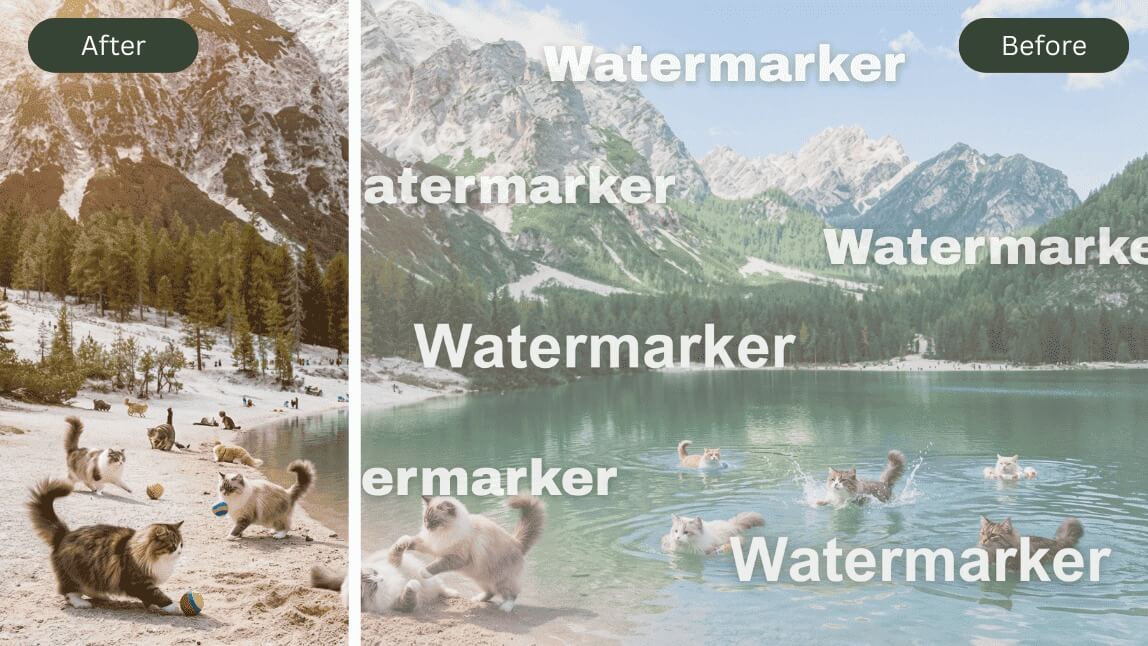
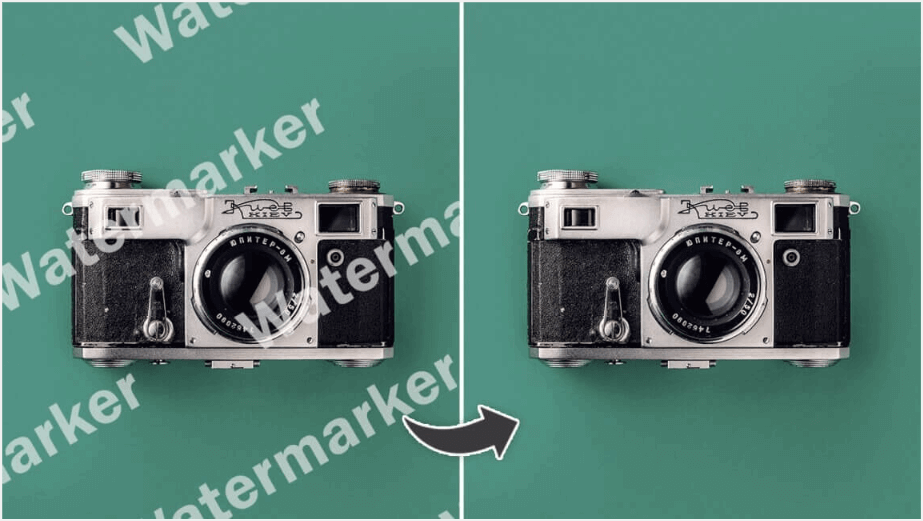
Are you struggling to remove watermarks to get a clear photo?
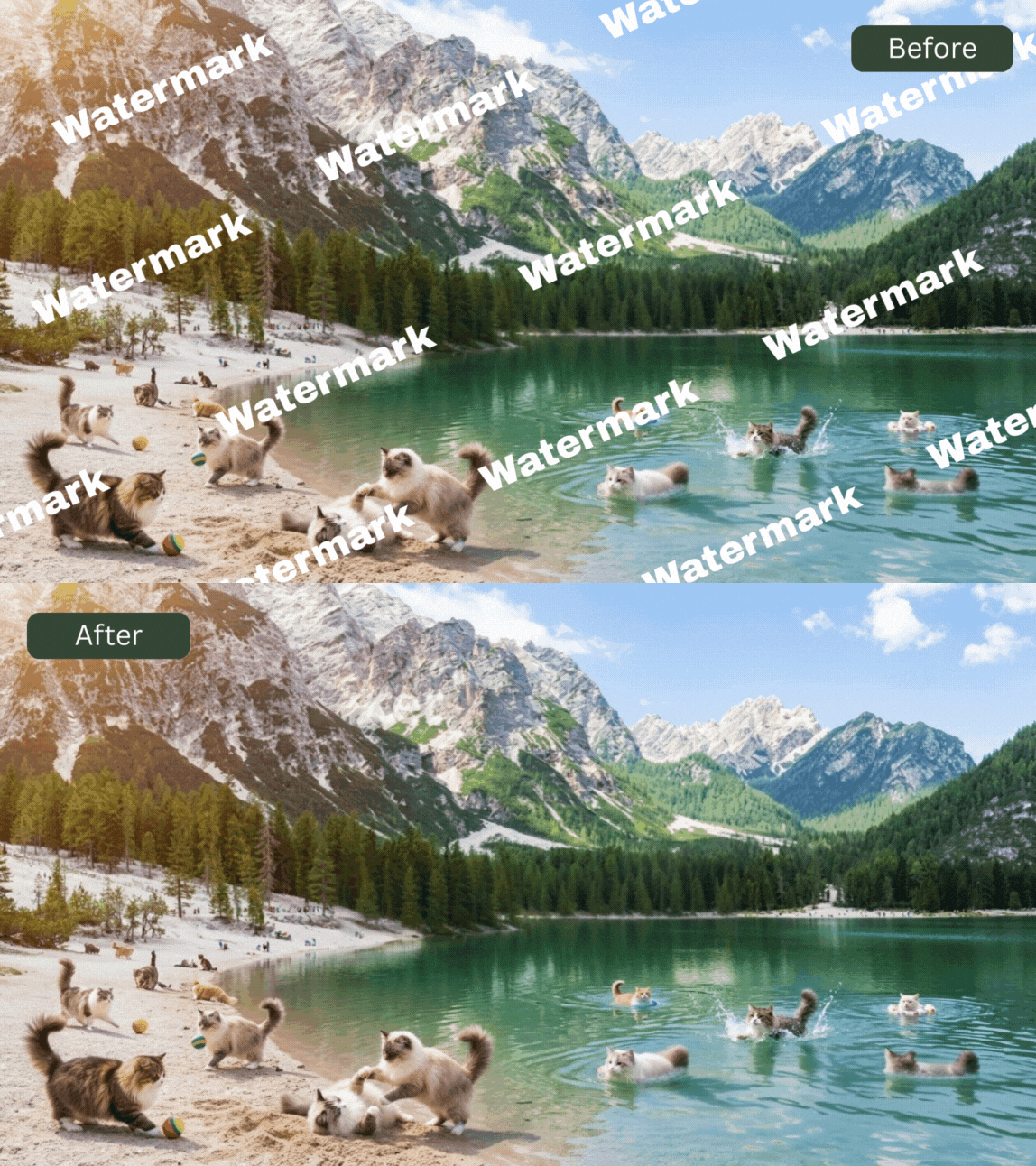
In this article, we will present the best AI-based watermark remover that is accessible on both web and mobile apps. This tool is designed to effortlessly get rid of watermarks from your photos without causing any blur, providing you with a seamless experience. Let's dive in!
👉 Click to Start Online AI Watermark Removal
👉 Download YouCam Enhance Mobile Version for Free
Best Online AI Watermark Remover to Remove Watermarks From Photos for Free in 2025
▲ Available: iOS/ Android/ Online Web
YouCam AI Watermark Remover is a free, AI-powered online tool that quickly erases watermarks without blur, giving you clean, high-quality photos ready to share or print.
Preserving Quality While Removing Objects with AI
YouCam AI Watermark Remover employs advanced AI technology to seamlessly remove unwanted objects from your photos while maintaining exceptional quality. Experience the convenience of object removal without compromising the integrity of your images, thanks to our quality-preserving approach.
How to Remove Watermark From Photos for Free
Learn how to easily remove watermarks from your photos using the best AI Watermark Remover with these simple steps.
Step 1. Open YouCam Online Editor AI Watermark Remover
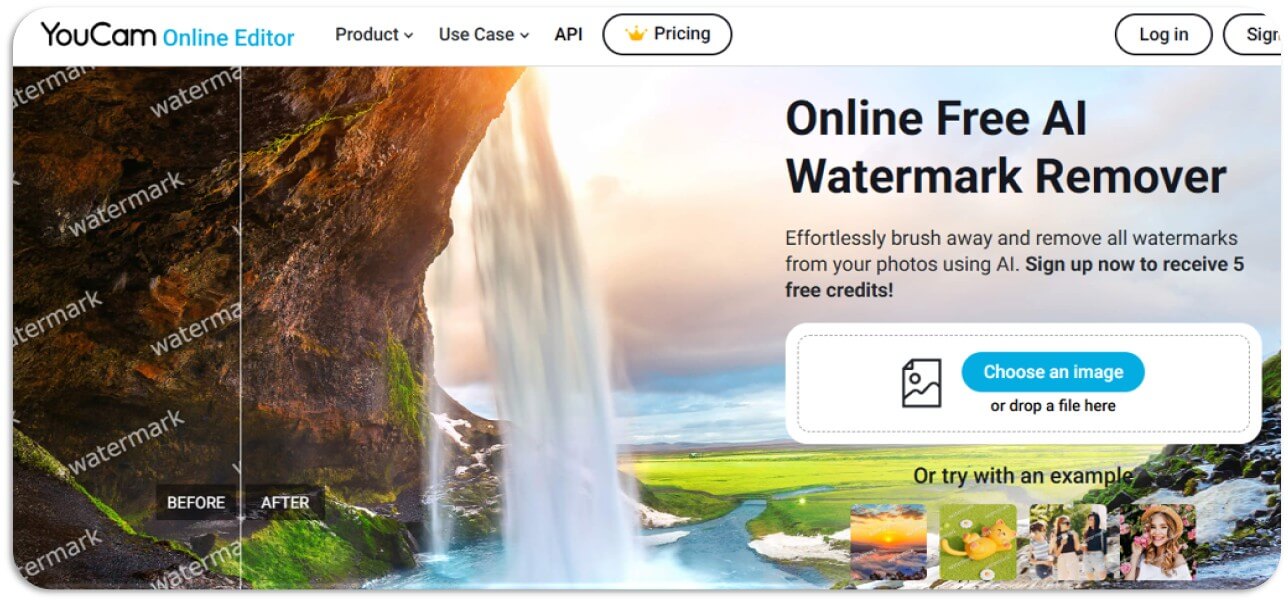
To access YouCam AI Watermark Remover, simply visit the website to start removing watermarks from your photos.
Additionally, you can also download YouCam Enhance from App Store or Google Play Store for free, which offers the same powerful removal feature for your convenience.
Step 2. Upload Your Image

Simply click on the "Try for Free" button to effortlessly submit your image and begin the enhancement process.
Step 3. Highlight the Watermark Area and Remove

To remove watermarks from your photo, first, use the brush tool to carefully highlight the watermark and click the "Remove" button to eliminate the watermark and restore your photo to its original state.
Step 4. Download Your Photo

Lastly, download the watermark-free photo to your device and enjoy the clean, professional look.
Free AI Watermark Remover App to Remove Watermarks From Photos
If you're a mobile user, YouCam Enhance is the best free watermark remover app for iOS and Android in 2025. Powered by Generative AI, it effectively erases watermarks from photos. Simply upload the image, brush over the watermark, and tap 'Remove'—the AI will clear the watermark completely.
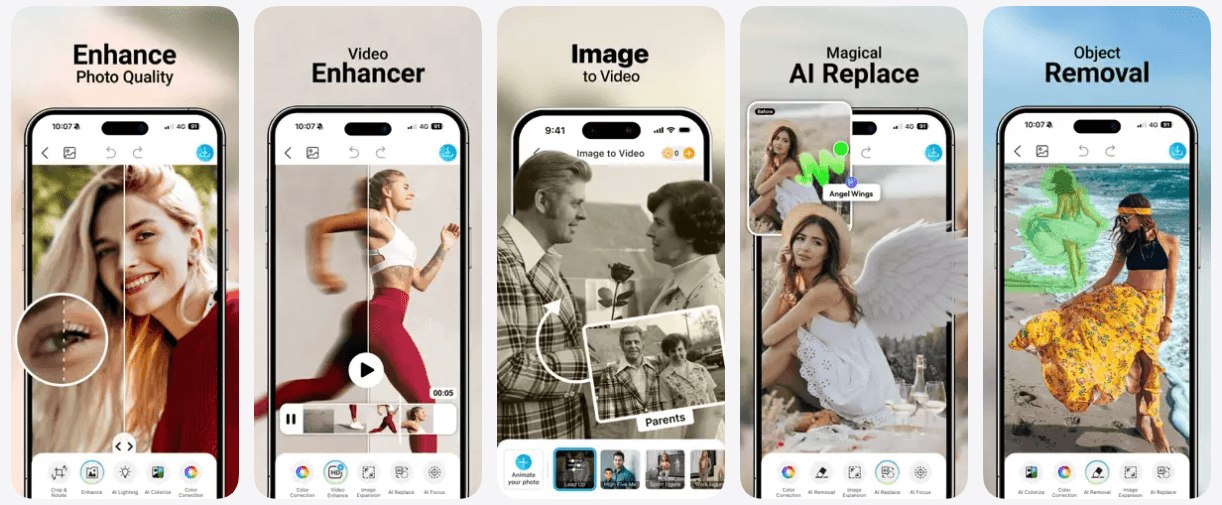
▲ Tap to Download the App for Free to Remove Watermarks Easily
Supports JPG, JPEG, and PNG File Formats
YouCam AI Watermark Remover offers object removal capabilities that support popular photo formats such as JPG, JPEG, and PNG. Users can easily remove unwanted objects from their images regardless of the format, ensuring compatibility and convenience for editing various types of photos.
Read more: I Tested 7 AI Watermark Remover Apps and Here's My Favorite
Remove Watermarks From Videos Using YouCam Video
What if you want to remove watermarks from a video? Don't worry, YouCam Video can help!

YouCam Video offers an intuitive solution for removing watermarks from videos using advanced AI technology.
- Step 1: Download and Install YouCam Video
- Step 2: Open the App and Access 'AI Removal'
- Step 3: Upload the Video Containing the Watermark
- Step 4: Activate the Watermark Removal
- Step 5: Save and Export the Edited Video
Remove ChatGPT Watermark with Object Remover
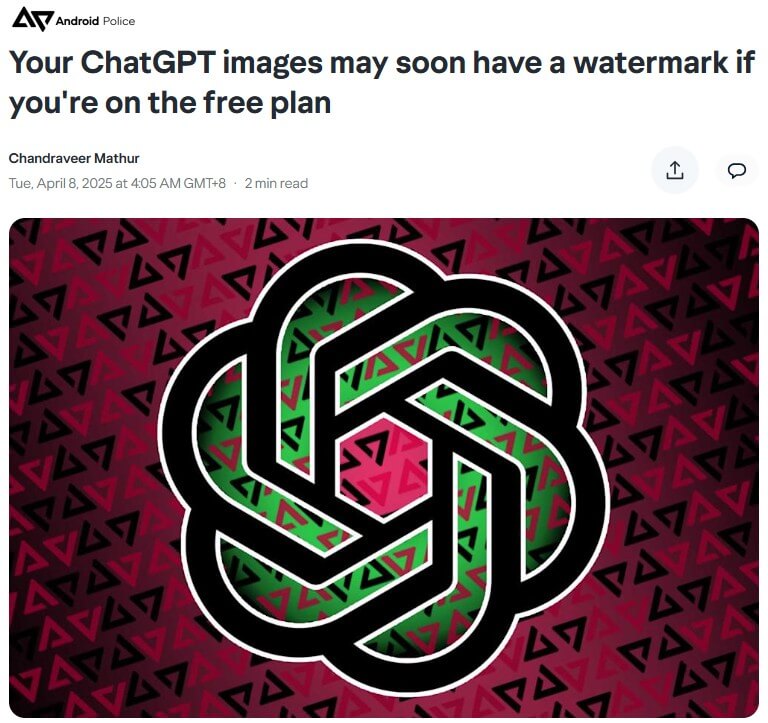
People have been crazy about using ChatGPT to generate Ghibli photos and AI Action Figure, but do you know ChatGPT is considering to add a watermark on generated image for free plan users?

With object remover, you can easily remove ChatGPT watermark. No fancy editing skills needed. The AI Fill technology will patch up the background after watermark removal, so it won't mess up your generated image!
Start Using YouCam AI Object Remover to Remove Watermarks From Photos for Free
YouCam Al Watermark Remover, the best Al tool to remove watermarks online, allowing you to enjoy your photos in their original, pristine form. Don't let watermarks hinder your visual experience - unleash the power of YouCam AI Watermark Remover today!
Top 3 Latest User Reviews
🙋♀️ "Efficient and User-Friendly" - Katie Sams, Digital Content Creator
"I used the Watermark Removal feature to clean up some promotional videos. The process was straightforward, and the results were impressive—no visible artifacts, just clean footage ready for sharing."
🙋 "A Game-Changer for Quick Edits" - Alex Carter, Social Media Influencer
"This tool saved me hours of editing time. I could remove watermarks from multiple videos in minutes without compromising quality. It's now an essential part of my editing workflow."
🙋♂️ "Perfect for Repurposing Content" - Tina Henderson, College Student
"I had some old videos with watermarks that I wanted to reuse for a class project. The Watermark Removal feature worked flawlessly, allowing me to present polished content without the distraction of watermarks."
Remove Watermark From Images FAQ
What is the best free online watermark remover in 2025

YouCam AI Watermark Remover is regarded as the most convenient online tool for removing watermarks from photos in 2025.
Featuring a user-friendly interface and content-aware AI, it allows you to easily upload your image, brush over the watermarked area, and let the AI remove all the watermarks with just one click.
We've additionally evaluated the most sought-after free watermark removal tools for online users. Below, you'll find the top 10 free AI watermark removers for removing watermarks, logos, or text in June 2025:
- YouCam AI Watermark Remover: Best for Easily Removing Watermarks, Text & Logos From Photo
- Watermark Remover.io: Best for Removing Multiple Watermarks With AI
- Fotor Watermark Remober: Best for One-Click Auto Removing Text From a Photo
- Aiseesoft: Best for Removing Logos, Copyright, Proof from Photos
- Media.io: Best for Removing TikTok & Instagram Watermarks From Video
- Dewatermark: Best for Quick and Efficient Watermark Removal
- Logo Remover by Remove.bg: Best for High-Quality Logo Removal
- Unscreen Video Watermark Remover: Best for Removing Watermarks from Videos
- Inpaint Online Watermark Remover: Best for Detailed Watermark Removal
- SoftOrbits Photo Stamp Remover: Best for Batch Watermark Removal
Is there a free AI website to remove watermarks?
YouCam AI Watermark Remover is recognized as the best free online AI website to help you easily remove watermarks from photos for free without requiring photo editing skills. With this free AI tool, you can effortlessly remove watermarks, logos, or any text from your images.
What is the easiest watermark remover in 2025?
YouCam Enhance is regarded as the easiest watermark remover in 2025.
Its 'Advance AI Object Remover' uses Generative AI, allowing you to simply brush over the watermark and use 'One-Tap' to remove it clearly from the photo without any blur.
There's no need for manual editing, as the AI reconstructs the background for you.
Is there an AI that removes watermarks?
Yes, there are AI tools that can remove watermarks from images.
For example, YouCam Enhance offers a free AI Object Remover that effectively eliminates various types of watermarks, such as text, logos, and date stamps, while preserving the quality of your photos.
It’s a user-friendly solution that doesn’t require any technical skills, making it accessible for everyone.
Can you remove watermarks for free?
With YouCam Enhance’s AI tools, removing watermarks is free and easy to use.
This tool leverages advanced AI to accurately detect and remove watermarks, leaving your photos looking clean and professional.
It’s user-friendly, making it a convenient option for anyone needing to enhance their images.
Can I remove any type of watermark from photos using online tools?
Online tools like YouCam AI Watermark Remover can remove various types of watermarks, including text-based, logo-based, and simple overlays, but more complex or intricate watermarks may require specialized software or manual editing techniques for optimal results.
How do I remove the watermarks from photos for free?
To remove a watermark for free, you can use YouCam Enhance’s AI Object Remover.
This tool is not only free but also highly effective, making it easy to eliminate watermarks like text, logos, and date stamps while preserving the quality of your photos.
Unlike other apps that can be tricky to navigate, YouCam Enhance is straightforward and delivers flawless results.
Simply upload your photo, brush over the watermark, and let the AI handle the rest for a flawless result.
Can you remove watermarks on iPhone?
YouCam Enhance is one of the best apps for iOS users to easily remove watermarks from photos on an iPhone.
With this app, you can erase anything like watermarks, text, logos, or people without leaving any blur, thanks to its advanced AI object removal technology.
What is the best free app to remove watermarks from photos on iPhone and Android?
After comparing various powerful apps, we present our list of the top 9 best watermark remover apps available for iPhone and Android, along with their standout features, as of June 2025.
Snapshot of the Top 5 Best Free Watermark Remover Apps in June 2025
- Best For Gen-AI Watermark Removal: YouCam Enhance
- Best For Removing Objects From Photos: YouCam Perfect
- Best for Comprehensive Photo Editing: Fotor
- Best for Deleting Unwanting Objects: PicWish
- Best for Removing Photo Blemishes: iRetouch
For more details and to see the rest of the top options, check out our review article, "I Tested 9 AI Watermark Remover Apps and Here's My Favorite".
How do I remove watermarks from a document for free?
You can remove watermarks from documents for free using YouCam Enhance. With its Generative AI technology, YouCam Enhance ensures precise removal of watermarks without any distortion.
Simply upload the document in image format to YouCam Enhance and let its advanced 'AI Object Remover' feature do the work for you.
Are there any legal implications to consider when removing watermarks?
According to the DMCA, it is illegal to remove watermarks from photos and use them inappropriately, such as for commercial purposes or social media sharing. We must respect the copyrights of the image owner and only use watermark-free images for personal use.
Read more: IS A WATERMARK ON AN IMAGE THE SAME THING AS A COPYRIGHT?



