


 Author:
 ![I Tested 50+ AI Photo Editing Tools—Here are My Top 10 in 2026 [Free & Paid]](https://plugins-media.makeupar.com/smb/blog/post/2025-12-18/webp_80267f7e-4cd4-41fb-b760-355fca16ed48.jpg)
Let’s face it: you don’t want to spend hours learning complex software just to fix a lighting mistake or remove a stranger from your background. You want results.
To find out, I tested over 50 AI photo editing tools on both mobile and desktop. I pushed them to their limits—removing complex objects, generating backgrounds from scratch, and retouching portraits. The result is this definitive list of the top 10 tools that will save you time and unleash your creativity in 2026.
Want the spoiler? If you need a tool that handles everything from simple touch-ups to complex generative art with zero learning curve, download YouCam Perfect. It’s the closest thing to magic I’ve found.
Best AI Photo Editing Tools Comparison Table
| Top 10 | Tool | Best for | Pricing |
|---|---|---|---|
| 1 | YouCam Perfect | Overall Best AI Features & AI Agent | Free / Premium |
| 2 | Nano Banana Pro | Quick Filters & Gen Z Trends | Free / Paid |
| 3 | YouCam Online Editor | Web-based Enhancements | Free / Premium |
| 4 | Luminar Neo | Professional Landscape Editing | Paid (One-time/Sub) |
| 5 | Canva | Social Media Design | Free / Pro |
| 6 | Photoshop | Deep Professional Retouching | Paid (Subscription) |
| 7 | Lightroom | Color Grading & Management | Paid (Subscription) |
| 8 | Pixlr | Lightweight Browser Editing | Free / Premium |
| 9 | Fotor | Easy Collages & Headshots | Free / Pro |
| 10 | Picsart | Creative Community & Stickers | Free / Gold |
Read More: Find out the best AI photo editing apps in 2026>>>
Which is the No. 1 Photo Editing Tool? 10 Best AI Photo Editing Tools in 2026
I tested these apps using a standardized set of photos—a low-light portrait, a cluttered street scene, and a product shot—to see how they handled real-world challenges.
1. YouCam Perfect: Best AI Photo Editing App for iPhone & Android
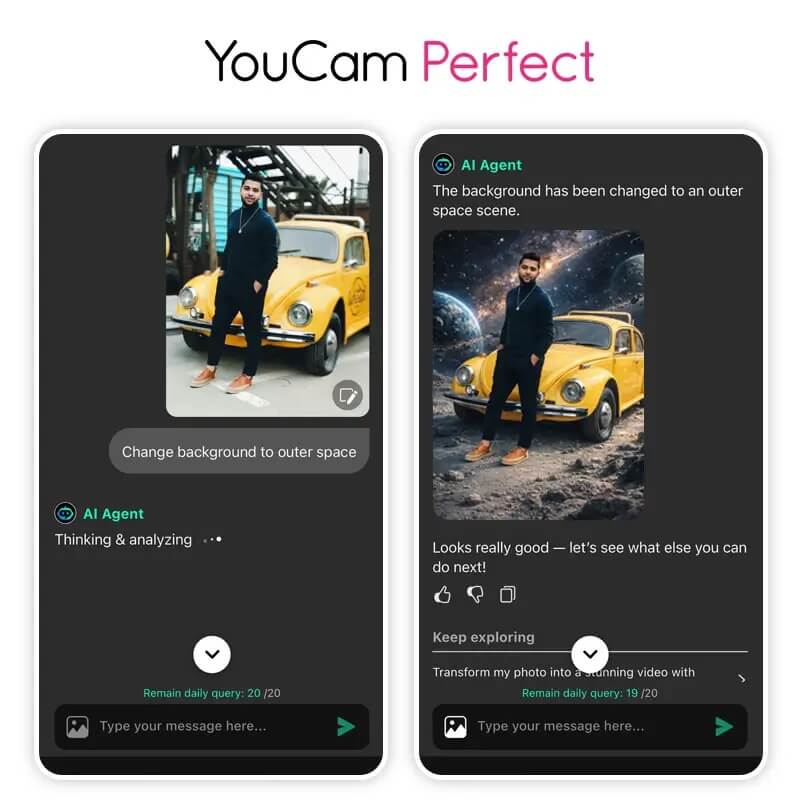
YouCam Perfect has evolved from a selfie editor into a powerhouse image AI editor. It was the most consistent performer in my tests, specifically because of its "AI Agent"—a feature that essentially acts as a human editor obeying your text commands.
Pricing:
- Free: Comprehensive basic tools.
- Premium: Unlocks full AI Agent and high-res exports.
Key Features:
- AI Agent: Type commands like "Change the weather to rainy" or "Make me look like a cyberpunk character."
- AI Removal: Erases objects and intelligently fills the background without blurring.
- AI Replace: Swap outfits, backgrounds, or props instantly.
- Generative Expansion: Expand photos beyond their borders to fit any aspect ratio.
User Review:
- I tested the AI Agent by uploading a standard street photo and typing, 'Make it look like golden hour in Paris.' I expected a messy filter, but the app actually relit the subject and replaced the background architecture seamlessly. Unlike other apps where I had to manually brush over areas, YouCam Perfect understood the context of the image instantly. It’s the only tool I’ve tested where the 'text-to-edit' feature feels truly finished.
- On Google Play, YouCam Perfect has a 4.0★ rating with comments saying they used to enjoy the app but recent versions feel less user‑friendly and many features require payment (users note complexity/ads).
- On Apple App Store it’s highly rated (4.7–4.8★) with lots of praise for AI tools, quick selfie enhancements and broad editing features.

Best AI Photo Editor
The Best AI Photo Editor & Selfie Camera.
Gender swap, remove objects & more.
Explore More AI Photo Editor in 2026>>>
2. Nano Banana Pro (Gemini 3)
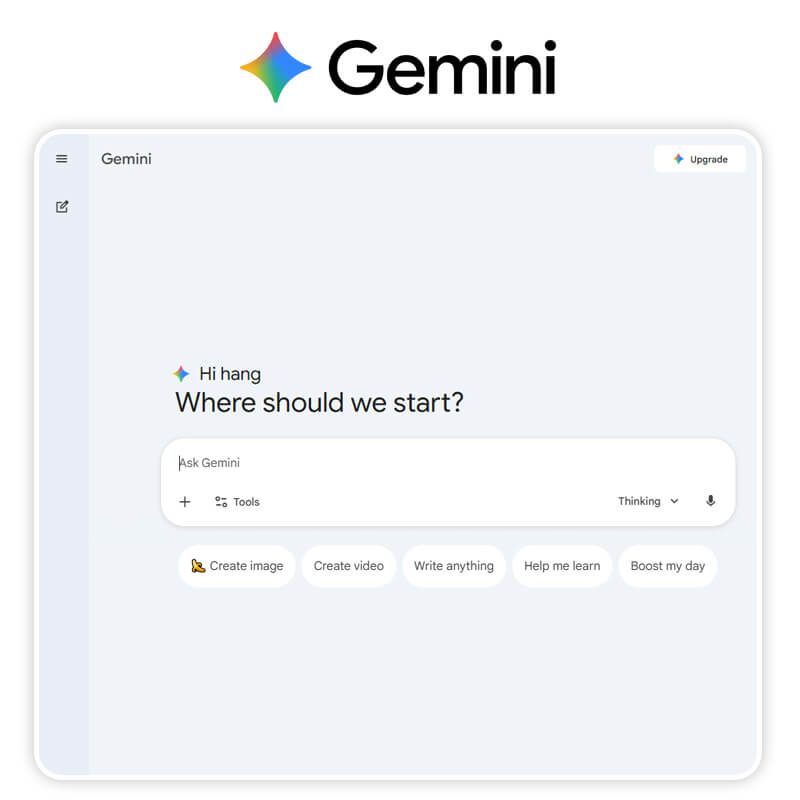
A newer entrant that has gained traction with Gen Z creators, Nano Banana Pro focuses on speed and viral aesthetics rather than deep editing.
Pricing:
- Free with ads; Pro removes watermarks.
Key Features:
- Trend Radar: Automatically suggests edits based on current TikTok trends.
- Neon AI: Adds glowing outlines to subjects automatically.
- Quick-Cut: Instant background removal for stickers.
User Review:
- Reddit users describe Nano Banana as an easy and powerful AI image tool where you can “edit or create images just by typing what you want”, and it’s “super fast with consistent results”.
- G2 user reviews highlight its ease of use and quick image generation, and that it helps keep consistent look across multiple images.
- However, other community posts call it over‑hyped with glitches and quality issues compared to alternatives.
Discover how to master Nano Banana Pro>>>
3. YouCam Online Editor for Design & Visuals Editing
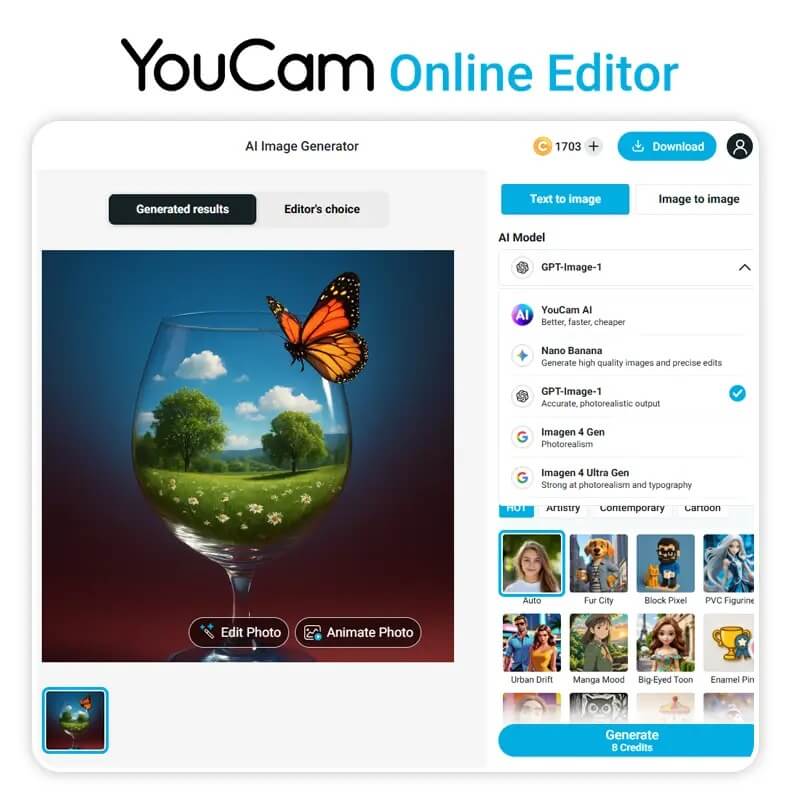
YouCam Online Editor is the browser-based sibling of the YouCam Perfect app, designed for users who need quick fixes on a laptop without installing heavy software.
Pricing:
- Credit-based system.
Key Features:
- AI Image Extender: Uncrop images to fit banner sizes.
- AI Colorize: accurately restores color to black and white photos.
- Object Remover: Cleanly wipes text and watermarks.
User Review:
I use this tool specifically for its Image Extender. I uploaded a square product photo and asked it to extend it to a 16:9 banner. The AI generated a realistic table surface and background extensions that matched the original lighting perfectly. For e-commerce owners, this tool is a massive time-saver.
4. Luminar Neo
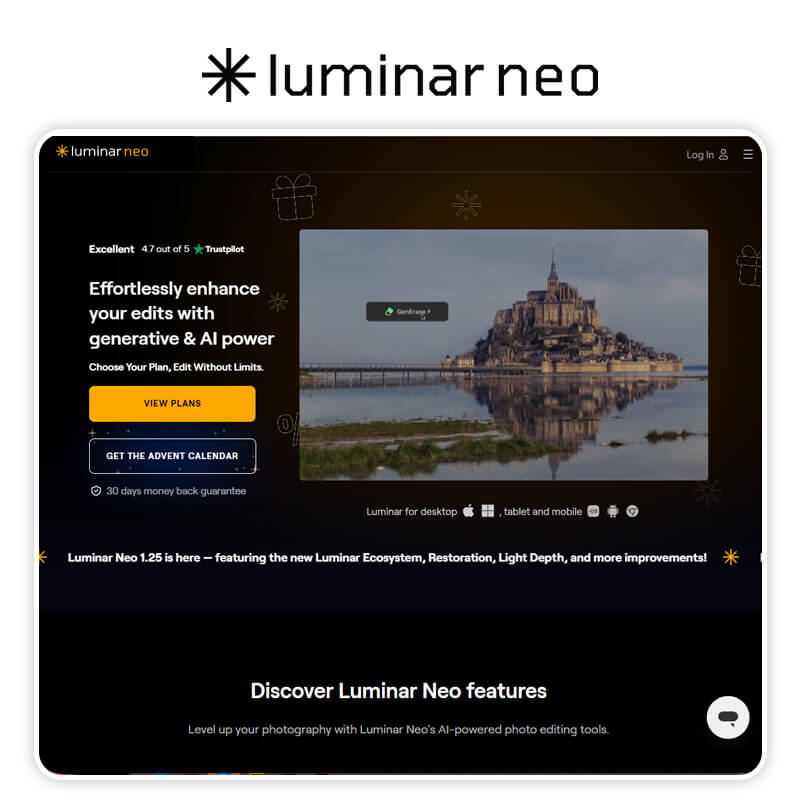
Luminar Neo is my top pick for landscape photographers who want to edit photo with AI without learning Photoshop layers.
Pricing:
- One-time purchase or subscription.
Key Features:
- Relight AI: Changes the light source in a 3D space.
- GenErase: Generative erase tool for large objects.
- Sky AI: Replaces skies including water reflections.
User Review:
- Photographers and hobbyists on Reddit say Luminar Neo has strong AI editing and is decent for color and scenery enhancements, but some complain the app can be slow or buggy and push upgrades/paid add‑ons.
- Expert review sites note that the AI tools like Relight AI and sky replacement are useful, but some users find the organizational tools and advanced editing lacking compared to Lightroom/Photoshop.
5. Canva
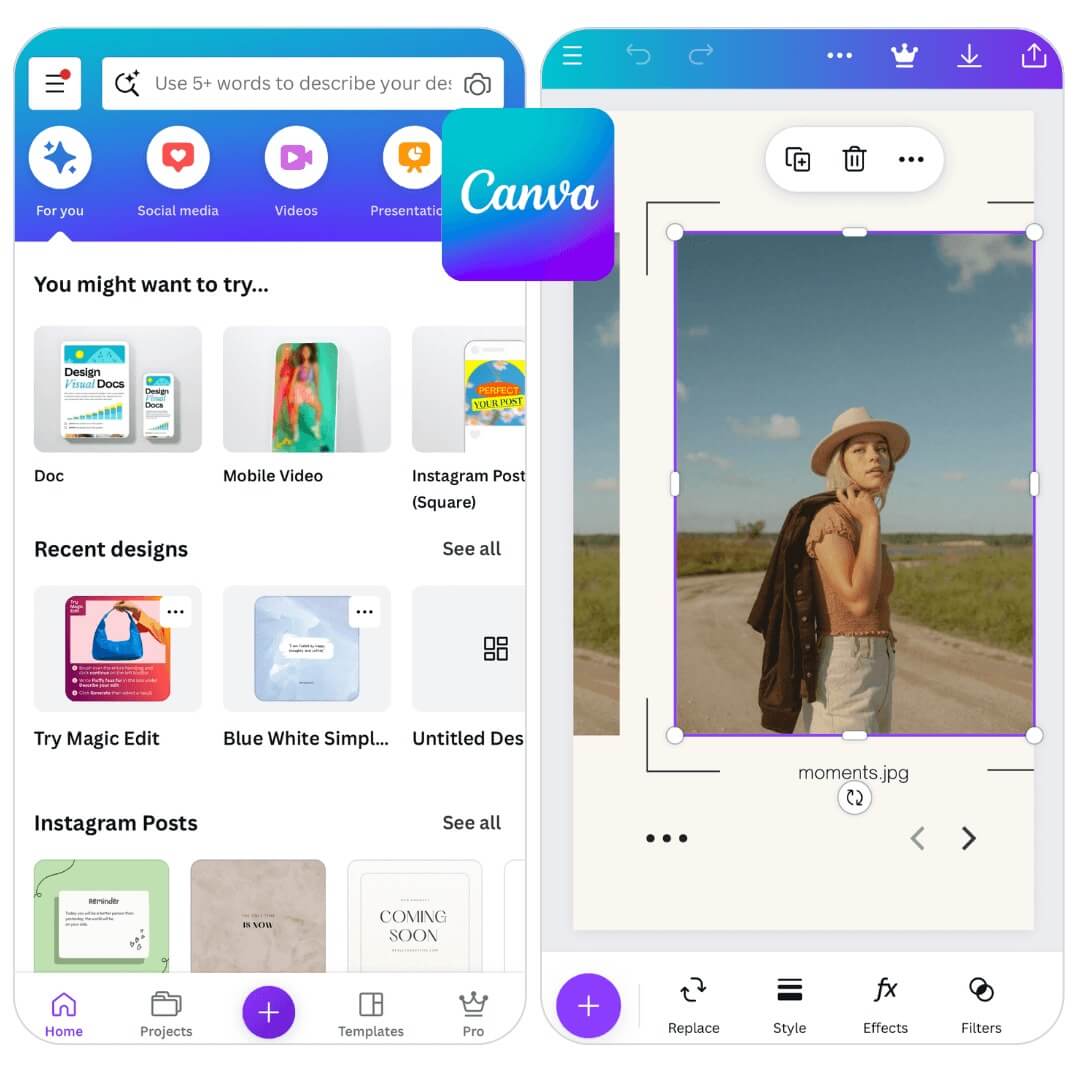
Canva is less of a photo editor and more of a design platform, but its new "Magic" tools earn it a spot on this list.
Pricing:
- Free limited; Pro for Magic tools.
Key Features:
- Magic Edit: Select an area and type to change it (e.g., "Change flower to balloon").
- Magic Eraser: Quick object removal.
- Text-to-Image: Generate assets directly on the canvas.
User Review:
- Reviews aggregated by various sites show Canva generally has high user ratings (around 4.7★) for ease of use and templates, but users say advanced editing features and AI tools often require Pro subscription.
- Reddit threads show mixed feelings: some users love the fast design workflows and simplicity, while others complain the app lags and recent updates introduced bugs.
6. Adobe Photoshop
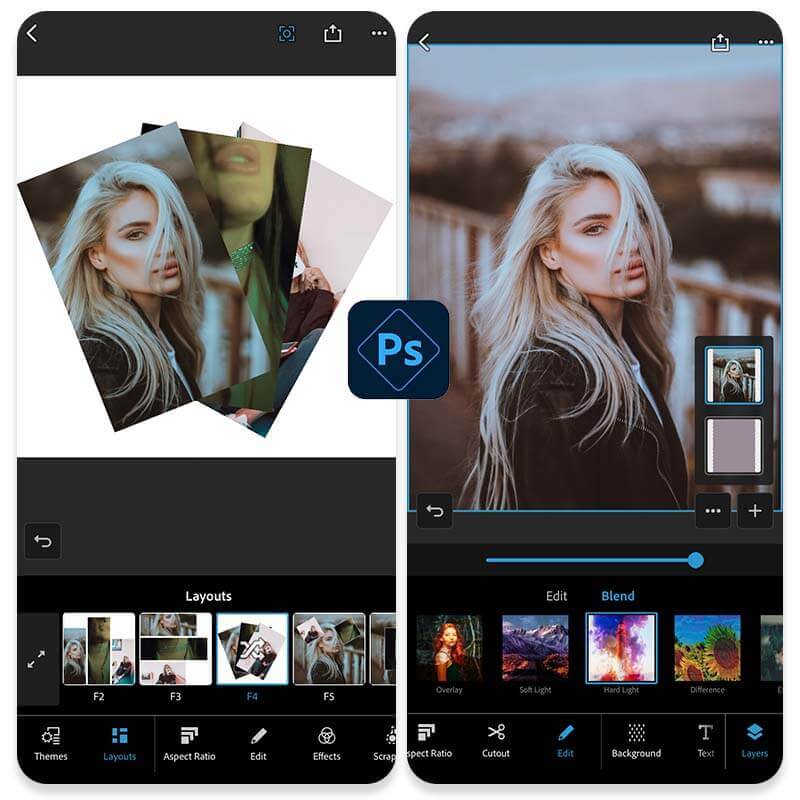
The grandfather of editing is now an AI beast. If you do this for a living, you likely already have it.
Pricing:
- $22.99/mo (approx).
Key Features:
- Generative Fill: Add/remove content with text prompts.
- Neural Filters: AI skin smoothing and expression changing.
- Lens Blur: Realistic depth of field generation.
User Review:
Long‑time users say Photoshop is the industry standard for deep editing and full creative control, but many also note a steep learning curve and subscription cost are downsides.
Discover the best Photoshop Alternatives >>>
7. Adobe Lightroom
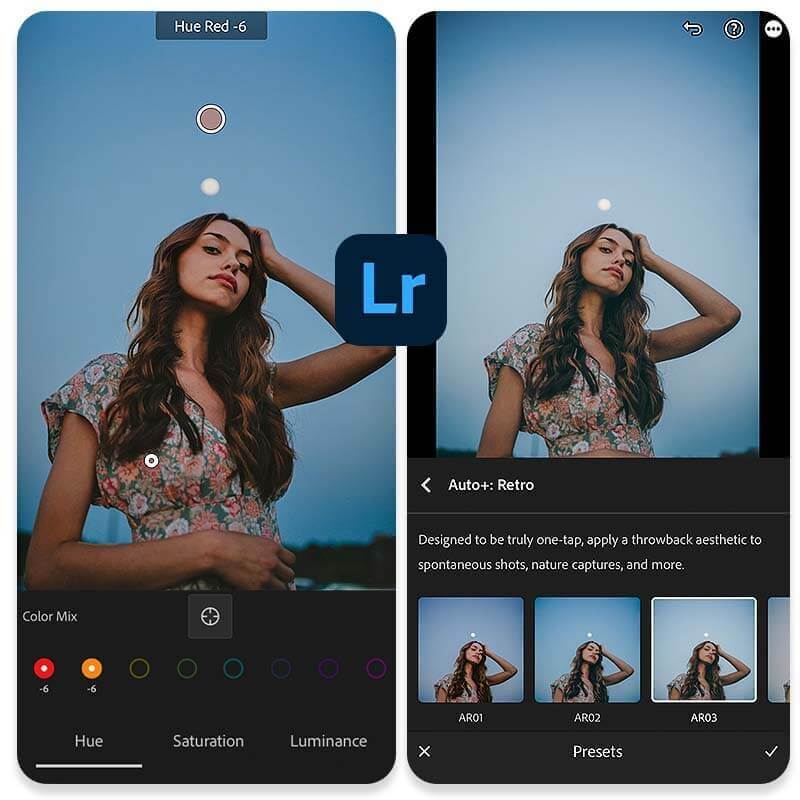
Best for photographers managing thousands of images who need consistent color grading.
Pricing:
- $9.99/mo (Photography plan).
Key Features:
- AI Denoise: Removes grain from high-ISO shots without losing detail.
- Lens Blur: Adds artificial bokeh to photos.
- Adaptive Presets: AI selects the sky/subject to apply distinct edits.
User Review:
Lightroom receives excellent feedback for streamlined photo editing workflow and professional tools, but performance issues and ongoing subscription model criticism are common.
8. Pixlr

A solid, browser-based alternative that offers a "Photoshop-lite" experience for free.
Pricing:
- Free / Premium / Plus.
Key Features:
- AI Cutout: Instant transparent backgrounds.
- Smart Resize: Content-aware scaling.
- Generative Fill: Basic object insertion.
User Review:
- Users appreciate Pixlr’s accessibility, wide feature set, and ease of use with generally good ratings (~4.4★), but complain about ads, limited free tools, and slow loading times.
- Analyst reports also show Pixlr rated well but note recent updates sometimes degrade experience.
9. Fotor
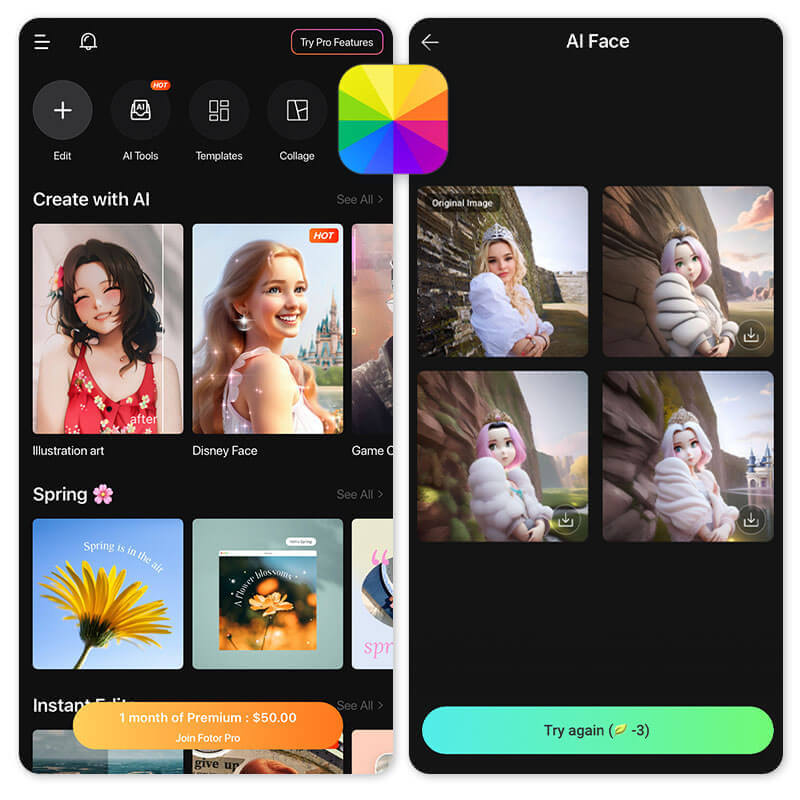
Fotor focuses on "one-tap" enhancements and is very popular for making quick professional headshots.
Pricing:
- Free / Pro.
Key Features:
- AI Headshot: Turns selfies into studio-quality portraits.
- One-Tap Enhance: Balances light and color instantly.
- Background Remover: Clean and fast.
User Review:
- Review aggregates show Fotor has good ease of use and quick AI tools, with around 4.2–4.6★ ratings overall, but criticisms include ads, feature paywalls, and performance issues.
10. Picsart
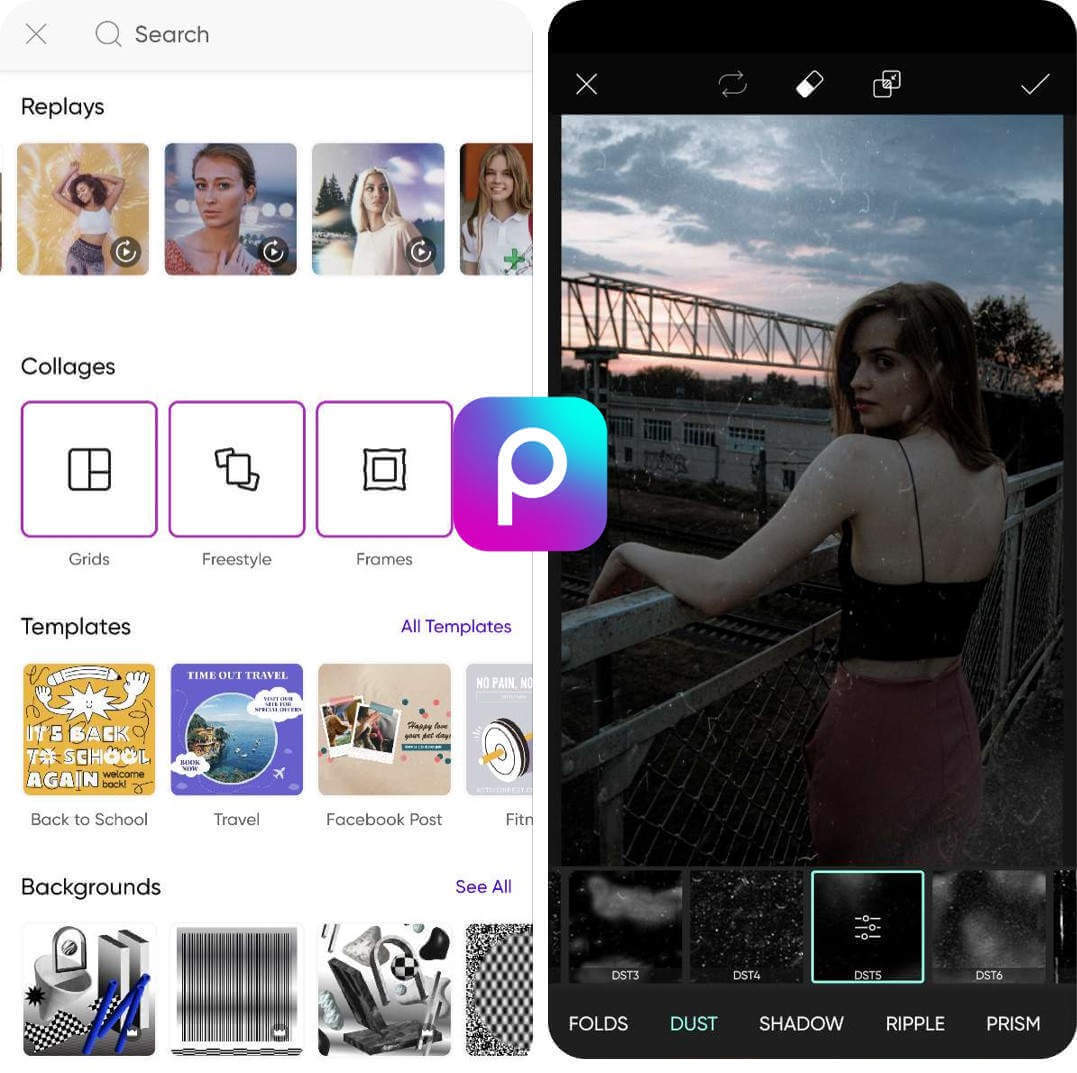
A creative playground. Picsart is less about retouching and more about remixing and artistic expression.
Pricing:
- Free / Gold.
Key Features:
- AI Avatar: Generates stylized avatars.
- AI Replace: Swaps objects easily.
- Style Transfer: Turns photos into paintings.
User Review:
- Picsart is widely used with massive user base and lots of creative tools, praised for filters, AI tools, and templates.
- Users report ads in the free version and sometimes storage limits or missing free background removers.
Start Edit Photos with the Best AI Photo Editing Tool
Best AI Photo Editor
The Best AI Photo Editor & Selfie Camera.
Gender swap, remove objects & more.
We are past the era of struggling with complicated tools. In 2026, editing is about vision, not manual labor.
While Photoshop and Lightroom hold the crown for desktop professionals, YouCam Perfect stands alone as the ultimate mobile solution. It doesn't just apply filters; it understands your intent. Whether you are fixing a family portrait or creating digital art, the AI Agent is ready to support any photo editing request you have.
Don't let a steep learning curve stop you from sharing your best moments. The power to create professional images is now in your pocket.
Ready to edit smarter, not harder?
👉 [Download YouCam Perfect Now] and turn your imagination into reality with just one tap.
About the Editors
The PERFECT Corp. Editorial Team
We are a team of experts on photo and video editing apps. Our goal is to deliver engaging content on everything from stunning selfie edits to eye-catching video effects. We cover the latest trends and share niche tips to help you master digital creation.
Discover more about us:
AI Photo Editing Tools FAQs
Is there a free AI tool to edit photos?

Yes! YouCam Perfect offers a robust free version that gives you access to high-quality AI tools like object removal and beautification. While premium features like the advanced AI Agent require a subscription, the free tools are often enough for daily needs.
What is the AI tool for professional photo editing?
For pure photography workflows, Adobe Lightroom and Luminar Neo are industry standards. However, for mobile creators who need professional results fast, YouCam Perfect is increasingly becoming the pro choice due to its high-res export and sophisticated AI masking.
What is the AI photo editor everyone is using?
In 2026, the viral sensation is YouCam Perfect, primarily because of its AI Agent. The ability to edit photos using conversational text prompts has made it the go-to app for Gen Z and Millennials alike.
Which is the no. 1 photo editing app?
Based on our testing of feature set, ease of use, and output quality, YouCam Perfect is the #1 photo editing app. It successfully bridges the gap between professional software and easy mobile apps.
Can I ask AI to edit a picture?
Yes. This is the core feature of the AI Agent in YouCam Perfect. You simply upload a photo and type, "Remove the people in the background and make the sky pink," and the AI executes the edit automatically.



